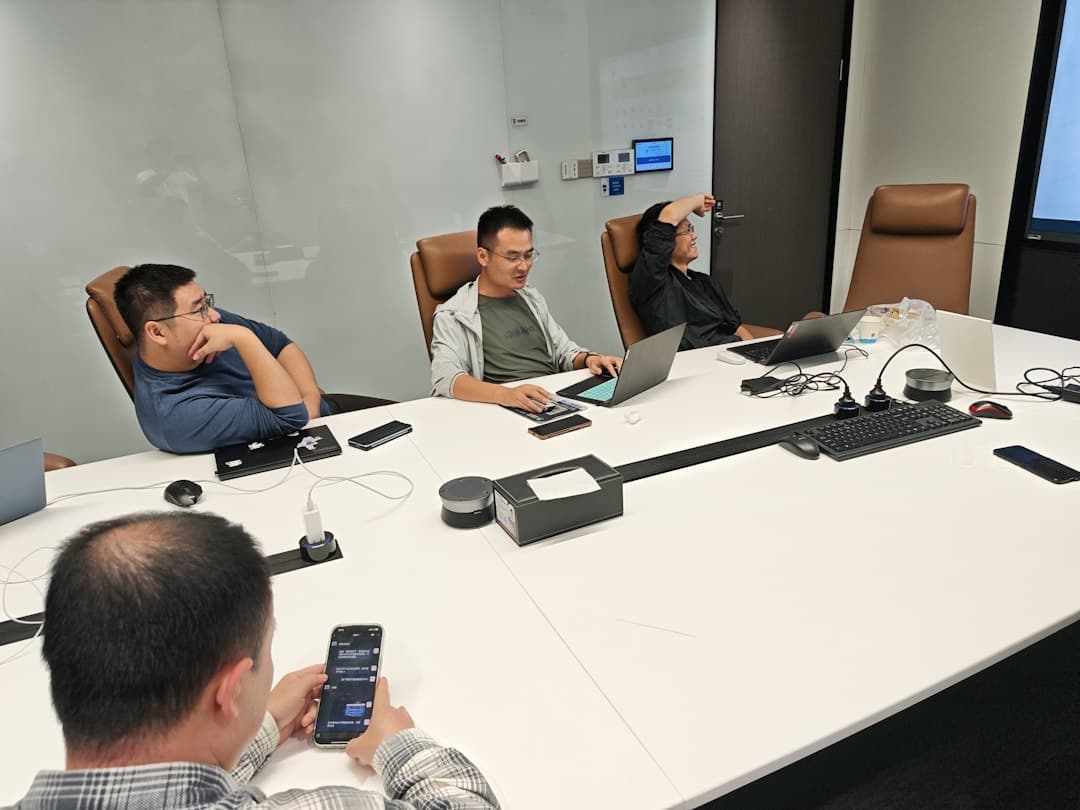
Facilities Work Order Intake in 10 Questions
Facilities work order intake that filters junk tickets: 10 qualification questions, routing rules, SLA tags, and auto-replies, plus the copy-paste form.
Most maintenance teams already know the worst part of the job happens before anyone picks up a tool. A ticket lands that says "AC broken," with no building, no room, and no callback number, and someone spends twenty minutes chasing details a decent form would have caught. Good facilities work order intake fixes this at the door, before a junk ticket ever reaches a technician.
This post walks you through the intake we'd hand you if we were building it. You get ten qualification questions to copy straight into your form, routing and SLA rules that decide who gets each ticket and how fast, and an auto-acknowledgement that stops the "did you get my request?" calls. We finish with how to sync it all into the CRM or ticketing tool you already run.
It's written for the owner of a facilities maintenance or commercial service company that takes requests from property managers and tenants. An in-house team can use the same form. For a contractor, though, every request is either billable work or a new account, so sloppy intake costs real money.
Why Do Facilities Teams Drown in Junk Tickets?
Junk tickets happen when the request channel asks for nothing. An open email inbox, a shared phone line, or a single "describe the problem" box lets people submit vague, duplicate, or non-urgent requests marked urgent. Structured facilities work order intake asks qualifying questions up front, so every ticket arrives with a location, a category, a priority, and a contact.
Look at any unstructured inbox and the same junk shows up again and again:
- No location. "The bathroom on the second floor" in a building with four of them.
- Duplicates. Three tenants report the same leak, and three techs get dispatched.
- Wrong urgency. A scuffed wall marked urgent sits ahead of a failing rooftop unit.
- Requests that are not repairs. Desk moves, new shelving, and paint jobs clog the repair queue.
- No way in. The tech shows up to a locked suite with no contact on file.
Here's the problem: every one of those costs a callback. Run it on your own numbers. If 30% of 60 weekly requests need a 12-minute chase for missing details, that's 18 tickets and 3.6 hours of dispatcher time gone before a wrench comes out.
Trade mix makes it worse. The Bureau of Labor Statistics' occupational outlook for general maintenance and repair workers describes work that crosses plumbing, electrical, and air conditioning in a single shift. If your techs specialize, a ticket with no category gets sent to the wrong person.
Quick Win: Pull your last 50 requests and tag each one as complete, missing info, duplicate, or not a repair. The biggest tag tells you which questions to add first.
The Lead Piranha Playbook
You're doing the work of a team you don't have.
Every Tuesday I show you one job I automated for good. What it does, the tools by name, and the prompt to copy.
No spam, unsubscribe anytime.
The 10 Qualification Questions for Facilities Work Order Intake
Ten questions sounds like a lot. Build them with picklists, a photo button, and a building dropdown, and a requester on a phone should be done in under two minutes. Every question in your facilities work order intake should earn its place by filtering out one kind of junk ticket. If a question doesn't change routing, priority, or dispatch, cut it.
Questions that set priority before a human reads anything
Questions three, four, and five do the heavy lifting. "Is anyone at risk or is property being damaged right now?" goes third on purpose: a yes skips the rest of the form and fires the emergency path. "Can the space still be used?" and "Is it getting worse?" separate a slow drip from a burst pipe without anyone picking up the phone.
Questions that kill duplicates and non-repairs
Question six asks whether the issue has already been reported and shows open tickets for that building, so the second and third tenant can attach to the first ticket instead of opening new ones. Question ten asks whether this is a repair, something new, or a cosmetic fix. Anything that isn't a repair goes to an approval queue, which keeps your maintenance request form from turning into a furniture-moving service.
Quick Win: Make the photo upload required for everything except emergencies. A ten-second photo often replaces a diagnostic site visit.
| # | Question to ask | Answer format | What it filters out |
|---|---|---|---|
| 1 | Which building and exact spot (floor, room, or asset tag)? | Building dropdown plus short text | Tickets that only say 'the bathroom' |
| 2 | What kind of problem is it? | Picklist: HVAC, plumbing, electrical, doors and locks, janitorial, other | Plumbing calls landing in the electrician queue |
| 3 | Is anyone at risk or is property being damaged right now? | Yes or no | Real emergencies stuck behind routine requests |
| 4 | Can the space or equipment still be used? | Yes, partly, or no | Cosmetic issues marked urgent |
| 5 | When did it start and is it getting worse? | Picklist plus yes or no | A slow drip treated like a burst pipe |
| 6 | Has this already been reported? | Yes with ticket number, or no | Three tickets for one leak |
| 7 | Add a photo or short video | Upload, required unless emergency | Site visits that could have been a glance |
| 8 | Who is the on-site contact and best callback number? | Name and mobile number | Tickets nobody can follow up on |
| 9 | When can a technician get into the space? | Access window picker | Wasted trips to a locked suite |
| 10 | Is this a repair, something new, or a cosmetic fix? | Picklist | Desk moves and paint jobs clogging the repair queue |
How Should Work Order Ticketing Route a Request After Intake?
Once facilities work order intake has captured clean answers, routing should run on rules, not on whoever happens to read the inbox first. Good work order ticketing reads the answers and makes three decisions: how urgent the ticket is, who owns it, and whether anyone has to approve it before work starts.
Priority tiers that map to a facilities maintenance SLA
Give every ticket one of four tiers, set automatically from questions three, four, and five. Each tier gets two clocks: how fast you acknowledge the ticket and how fast a tech responds. The table below gives starting points. Swap in whatever your service contracts already promise, because your facilities maintenance SLA is only as good as the tag that triggers it.
Routing rules by trade, building, and dollar threshold
Five rules cover most service companies:
- 1Category to trade queue. HVAC tickets go to HVAC techs, plumbing to plumbers.
- 2Building to owner. Each property maps to a lead tech or an approved subcontractor.
- 3After-hours P1 to on-call. Emergencies outside business hours page the on-call tech by text and phone, not email.
- 4Duplicates to the parent ticket. A yes on question six attaches the request and notifies the requester.
- 5Non-repairs to approval. Anything new or cosmetic waits for the property manager's sign-off before it's scheduled.
| Tier | What qualifies | Acknowledge within | Tech responds within | Routes to |
|---|---|---|---|---|
| P1 Emergency | Safety risk, active water, no power, or no heating or cooling in an occupied space | 5 minutes, plus a phone call | 2 to 4 hours, around the clock | On-call tech by text and phone |
| P2 Urgent | Space partly unusable and getting worse | 15 minutes | Same business day | Trade queue, top of list |
| P3 Routine | Usable but broken, not getting worse | 1 hour | 2 to 3 business days | Trade queue, normal order |
| P4 Planned | Something new, cosmetic, or a move | 1 business day | Scheduled after approval | Approval queue, then project list |
Auto-Acknowledgement Is the Cheapest Way to Stop Status Calls
The piece of facilities work order intake people skip most often is the reply. When a requester hears nothing, they call, email again, or grab your tech in the hallway, and now one issue has three tickets. An automatic text and email inside a minute ends that.
A useful acknowledgement carries five things: the ticket number, what you understood (location, category, tier), what happens next and by when, how to add details by replying, and for P1 tickets the on-call number. Write the P1 version first. It's the one that gets read under stress, so keep it to three lines.
New accounts need a different reply. A property manager who isn't a client yet is a sales lead, and they should get a quote-oriented response and follow-up, which is the same pattern we cover in our post on RFQ lead capture for service companies. If your requests spike overnight, pair this with after-hours answering so phone requests land in the same queue as form submissions. We lay out how intake, routing, and follow-up fit together in our full process overview.
Syncing Your Maintenance Request Form to CRM and Ticketing
The form is only half the build. The answers have to land in the tools your team already opens every morning, whether that's MaintainX, UpKeep, Limble, ServiceTitan, or a CRM like HubSpot. If a dispatcher still copies fields from an email into a ticket, you've just moved the junk one step down the line.
Split existing-client work orders from new-account leads
The cleanest setups send each submission down one of two paths. Existing clients get a ticket in your work order ticketing tool, with every form answer mapped to a real field: building, category, tier, contact, access window, photos. New property managers become an opportunity in your CRM with their own follow-up sequence. When facilities work order intake feeds two systems like this, sales and service stop arguing over the same inbox, and it ties straight into the CRM automation approach we wrote about recently.
Map before you launch
Test the intake with your ten worst real tickets
Before going live, replay last month's ten messiest requests through the new form. Check that each one gets the right tier, lands in the right queue, triggers the right acknowledgement, and attaches to a parent ticket when it should. Bottom line: if your worst tickets route cleanly, the ordinary ones will too.
Then score where you stand today. The check below takes about a minute and shows which part of your intake and follow-up is leaking the most.
Quick Growth Check
5 questions. 30 seconds. Find out where your growth system stands.
From Vague Requests to Dispatched Work Orders
You can build all of this yourself with a form tool, a ticketing app, and a few weekends of testing. If you'd rather have facilities work order intake built, connected to your CRM, and tuned by a Miami-based team that builds request capture for service companies, book a 30-minute call and we'll map it against your current setup. Next week we're looking at what happens after the ticket closes: turning completed work orders into review requests and renewed service contracts.